OCR + AI How to Stop Manually Typing Invoice Data Forever
The Absurdity We’ve Normalised
It’s 2025. You receive an invoice. A digital file containing text—words and numbers already in digital format.
And then someone at your business manually types that information into your accounting system.
Word by word. Number by number.
We’ve normalised this absurdity because “that’s just how it’s done.”
Let’s talk about why you should stop doing it.
The Manual Invoice Entry Problem
Time Cost: Average invoice entry time: 5-10 minutes per invoice For a business processing 500 invoices monthly: 42-83 hours At £25/hour: £1,042-£2,083 monthly Annual cost: £12,500-£25,000
And that’s just one person. Many businesses have multiple people entering invoice data.
Error Cost: Every manual entry is an opportunity for mistakes:
- Transposed numbers (£15,000 becomes £51,000)
- Wrong decimal placement (£1,500 becomes £150.00)
- Incorrect VAT calculations
- Missing line items
- Wrong account codes
Each error triggers investigation, correction, and often payment delays. Supplier relationships suffer. Financial reports become unreliable.
Payment Delay Cost: Manual entry creates bottlenecks:
- Invoices sit waiting for data entry
- Data entry backlogs during busy periods
- Payment cycles extend unnecessarily
- Late payment fees accumulate
- Early payment discounts are missed
If you could process invoices 5 days faster, that’s improved cash management and better supplier relationships.
Why We’re Still Typing
Historical Momentum: “We’ve always done it this way” is the most expensive phrase in business.
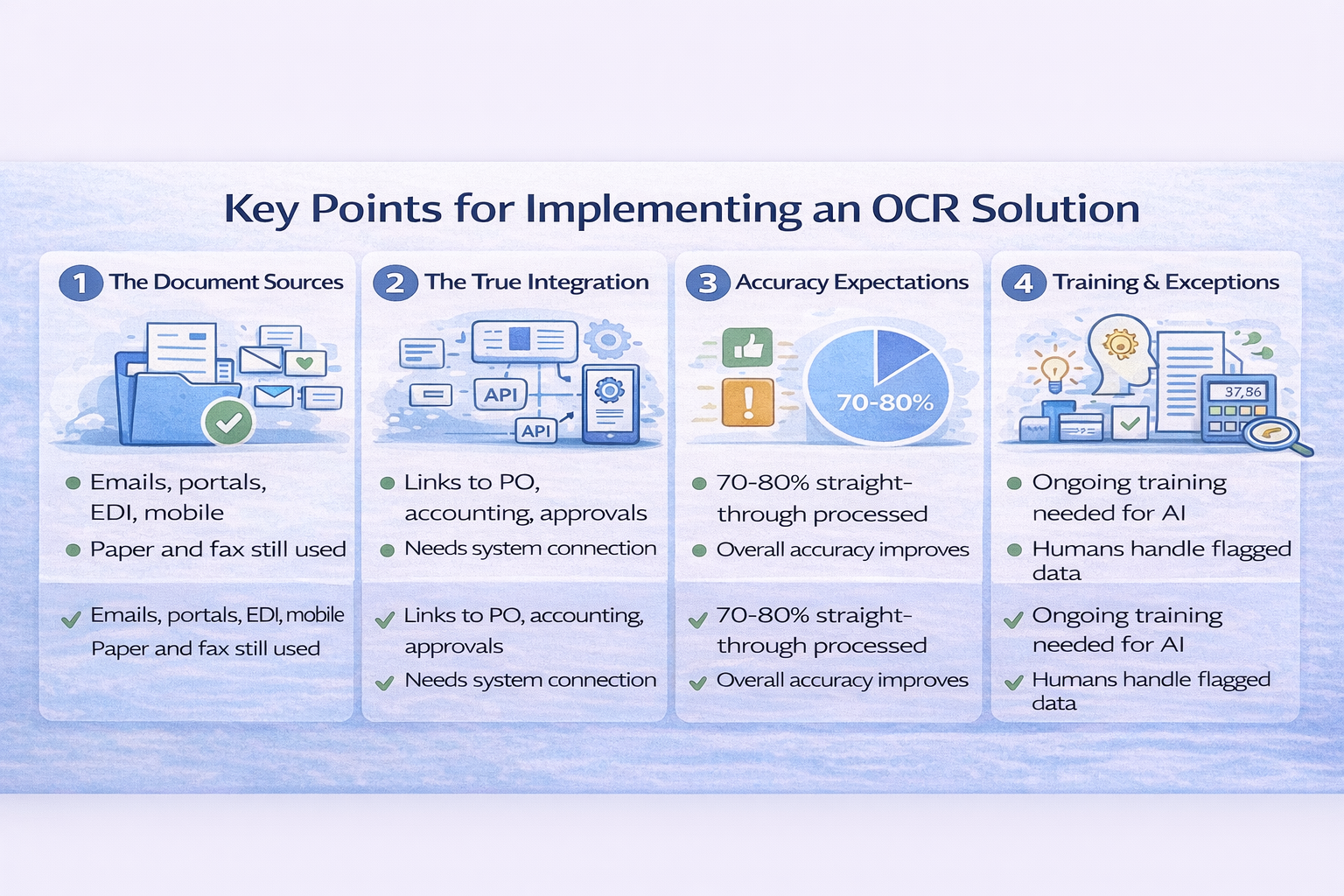
Scepticism About Technology: Early OCR (Optical Character Recognition) was unreliable. People tried it, got frustrated, gave up. They haven’t revisited it in years—missing the dramatic improvements.
Integration Challenges: Even if you extract data automatically, you still need to get it into your systems. If that requires manual steps, the benefit diminishes.
Perfect-or-Nothing Thinking: “If OCR isn’t 100% accurate, it’s not worth it.” This ignores that 95% accuracy with quick human review is vastly better than 100% manual entry.
Ready to let AI protect your procurement?
Contact Systematics Software Ltd today to explore how AI-powered solutions can revolutionise your operations and prepare you for the future of technology.
Nam aliquet ante porta, gravida elit, at fringilla felis suscipit.
How Modern OCR + AI Actually Works
Step 1: Document Receipt Invoice arrives via email, upload, or scan. System automatically detects it’s an invoice.
Step 2: Intelligent Extraction AI-powered OCR extracts:
- Supplier name and details
- Invoice number and date
- Line items with descriptions
- Quantities and prices
- Tax amounts
- Total due
Modern systems achieve 95-99% accuracy on standard invoices.
Step 3: Validation System validates extracted data:
- Does supplier exist in your system?
- Is invoice number duplicated?
- Do line items match purchase orders?
- Do calculations add up correctly?
- Is VAT calculated properly?
Step 4: Matching If invoice relates to purchase order:
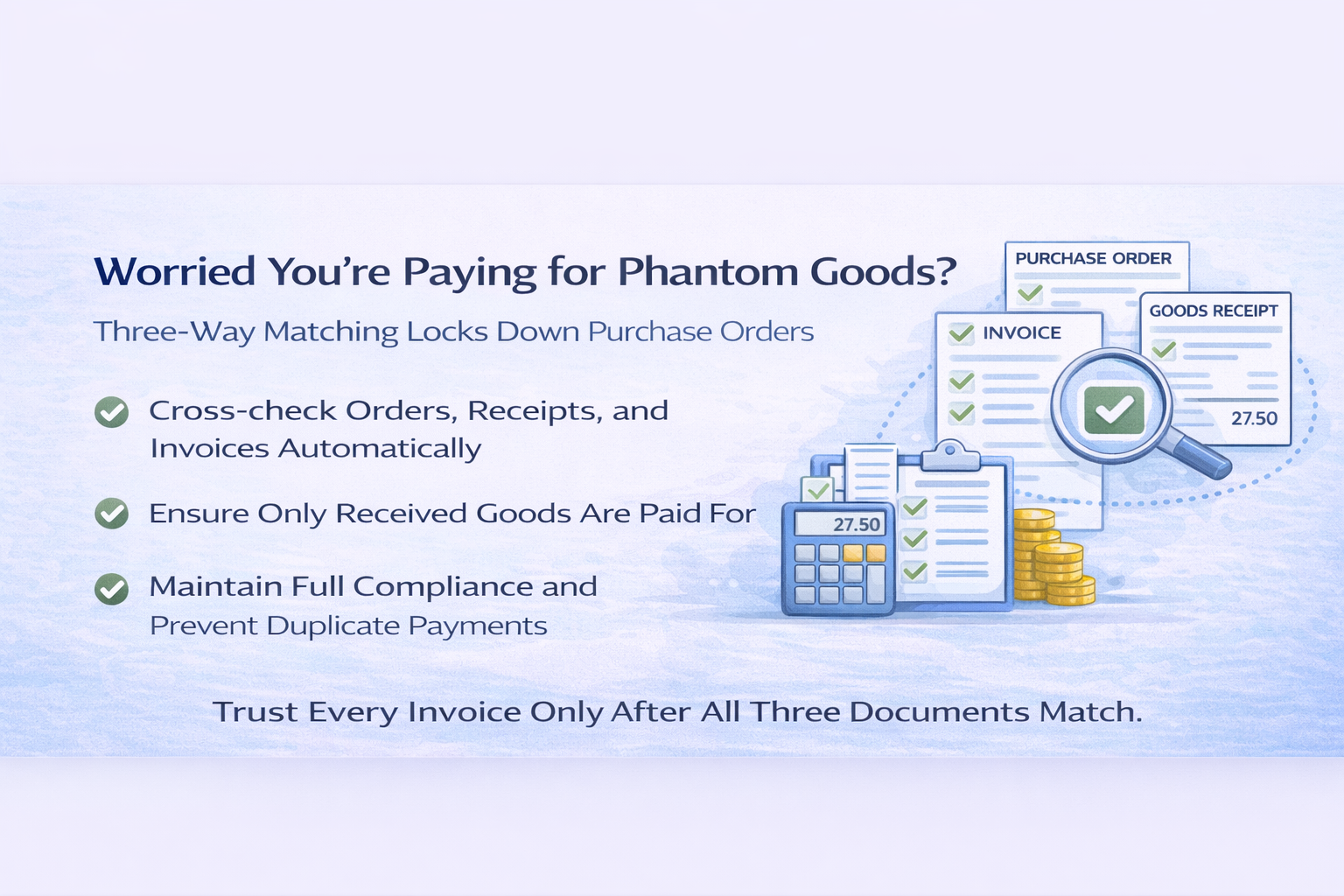
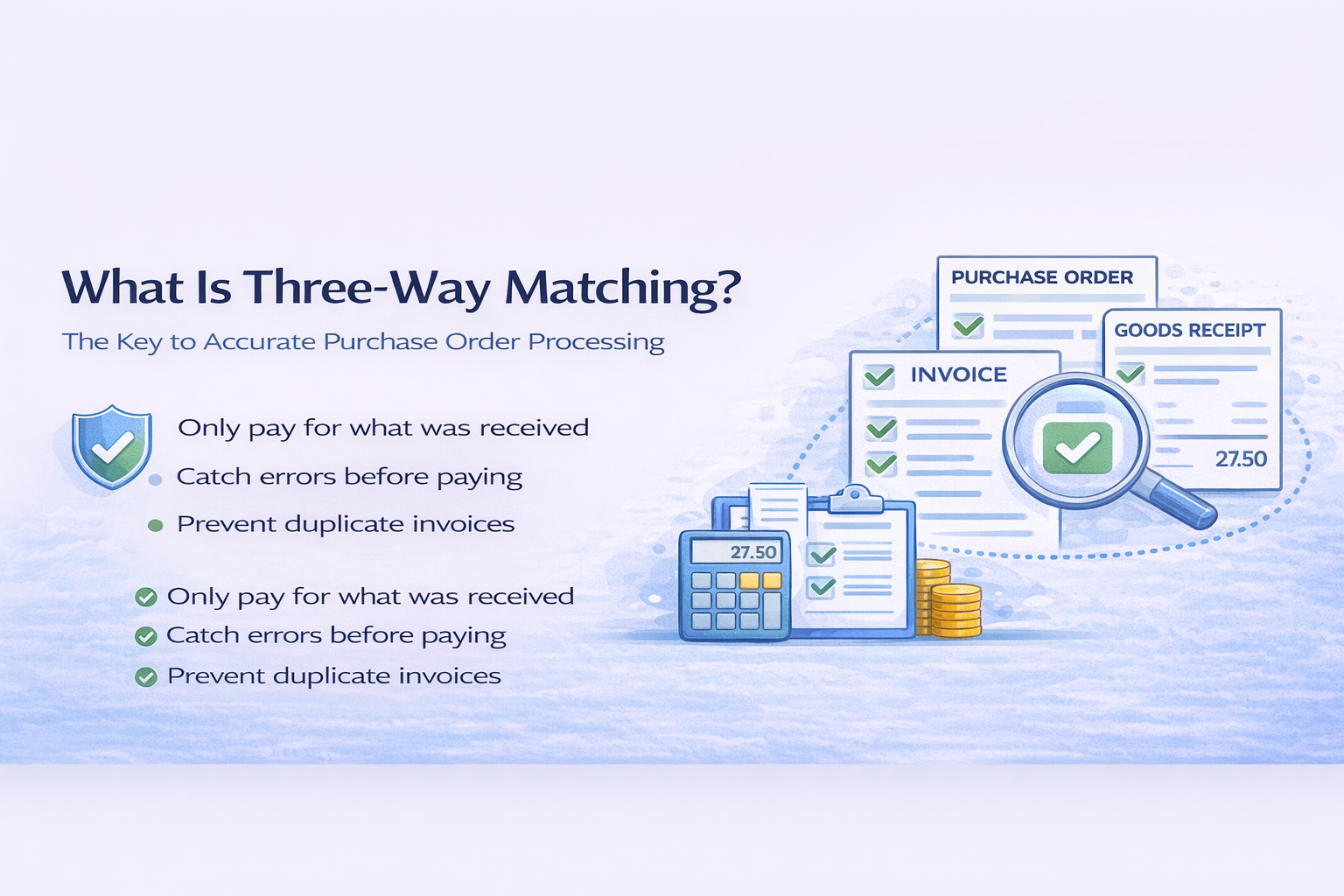
- Automatic three-way matching (PO + delivery receipt + invoice)
- Flags discrepancies for human review
- Approves matches automatically
Step 5: Accounting Entry Validated data flows automatically to accounting system:
- Supplier account charged
- Expense accounts allocated
- VAT recorded
- Payment scheduled
Step 6: Human Review Only exceptions require human attention:
- OCR confidence below threshold
- Validation failures
- Matching discrepancies
- New suppliers
Instead of entering every invoice, you review only the 5-10% that need human judgment.
The Integration Multiplier
This is where it gets really powerful. When invoice processing connects to other systems:
Connected to Purchase Orders: Automatic matching detects:
- Quantity discrepancies
- Price changes
- Unauthorised items
- Duplicate invoices
Connected to Banking:
- Real-time cash position visible during approval
- Payment scheduling optimised for cash flow
- Early payment discounts automatically evaluated
Connected to Inventory:
- Invoice processing updates stock levels
- Actual costs vs. budgeted costs tracked
- Reorder triggers adjusted based on actual spend
Connected to CRM:
- Customer orders linked to supplier invoices
- True cost-to-serve calculated accurately
- Profitability visible per customer
We create solutions where you enter information once and it flows everywhere it needs to go. Plus, we connect all your existing business systems—payments, banking, accounting, CRM—so they actually communicate and share the relevant data automatically.
The ROI Reality
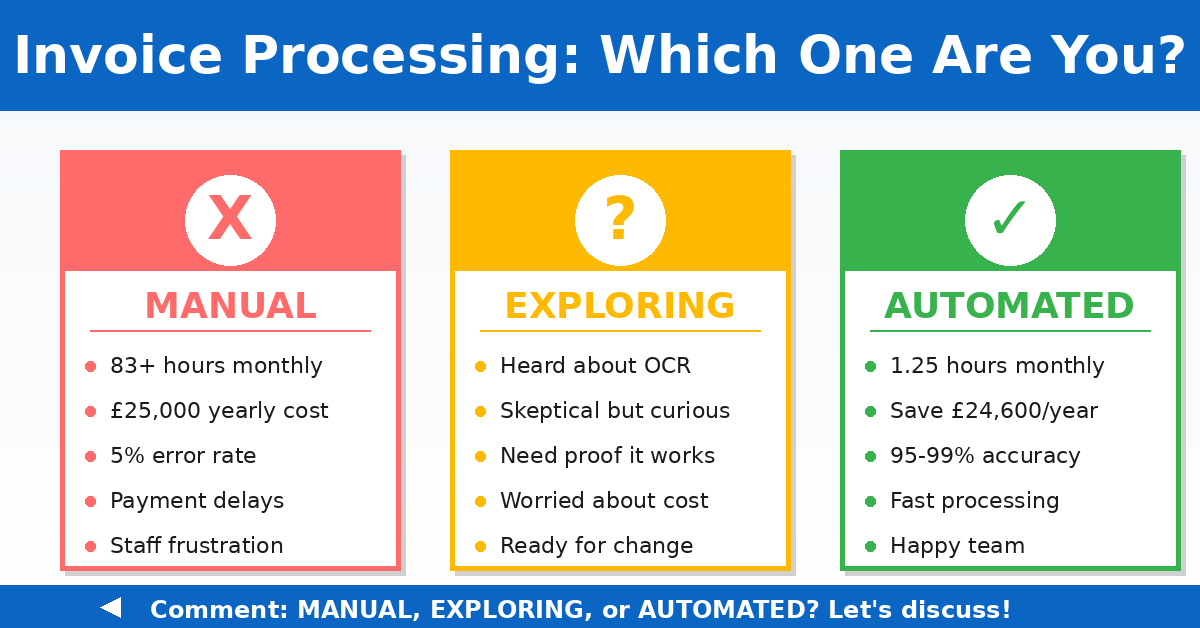
Manual Process:
- 500 invoices monthly
- 10 minutes each to enter
- 83 hours monthly
- £2,083 monthly labour cost
- Plus error costs, delay costs, opportunity costs
OCR + AI Process:
- 500 invoices monthly processed automatically
- 25 exceptions requiring 3 minutes review each
- 1.25 hours monthly human time
- £31 monthly labour cost
- Errors reduced 95%+
- Processing time reduced from days to minutes
Savings: £2,052 monthly or £24,624 annually
And that doesn’t include:
- Faster payment cycles
- Captured early payment discounts
- Eliminated late payment fees
- Improved supplier relationships
- Better cash flow management
- More accurate financial reporting
The Accuracy Question
“But what if OCR makes mistakes?”
It does. About 1-5% of the time on standard invoices.
But humans make mistakes 2-5% of the time too. And human mistakes often go undetected.
The difference:
- OCR mistakes get flagged for review (confidence scores alert you)
- Human mistakes just get entered into the system
OCR with human review for exceptions is more accurate than pure manual entry.
The AI Enhancement
As your system processes more invoices, AI improves:
Learning Patterns:
- Recognises your regular suppliers
- Adapts to their invoice formats
- Understands your account coding conventions
- Gets better at extracting data correctly
Predictive Categorisation: “Based on supplier and line item description, this probably codes to Operating Expenses – Office Supplies”
Anomaly Detection: “This invoice from regular supplier is 65% higher than historical average. Flag for review.”
Process Optimisation: “Invoices from this supplier typically process without issues. Increase automation confidence threshold.”
But this only works with clean, connected data accumulating over time.
Ready to deploy AI protection across your procurement?
Contact Systematics Software Ltd today to explore how AI-powered solutions can revolutionise your operations and prepare you for the future of technology.
Nam aliquet ante porta, gravida elit, at fringilla felis suscipit.
The Implementation Path
Phase 1: OCR Layer Implement OCR for invoice data extraction. Even without full integration, manual data entry drops dramatically.
Phase 2: System Integration Connect OCR output to accounting system. Automatic flow from extraction to entry.
Phase 3: Process Integration Connect to purchase orders, banking, and inventory systems. Enable three-way matching and intelligent approvals.
Phase 4: AI Enhancement Layer in machine learning for continuous improvement, predictive coding, and anomaly detection.
Each phase delivers value. Each phase builds on the previous one.
The Vendor Consideration
Many accounting systems now offer OCR features. But quality varies enormously:
Basic OCR: Extracts text but requires extensive manual correction. Barely better than typing.
Standard OCR: Good accuracy on simple invoices. Struggles with complex formats or poor quality scans.
AI-Powered OCR: High accuracy across formats. Learns from corrections. Improves over time. This is what you want.
Evaluate carefully. Disappointment with basic OCR shouldn’t prevent you from exploring AI-powered solutions.
The Cultural Shift
Moving from manual to automated invoice processing requires change:
Accounts Payable worries: “What will I do all day?” Reality: You’ll focus on exceptions, supplier relationships, and process improvement instead of monotonous data entry.
Management worries: “How do we maintain control?” Reality: You gain better control through complete audit trails and systematic validation.
Finance worries: “Can we trust it?” Reality: Automated processing with exception review is more accurate than manual processing.
The Real Question
It’s not whether OCR + AI can replace manual invoice entry.
It’s why you’re still paying people to manually type information that’s already digital.
Every day you continue manual entry:
- You pay the labour cost
- You accumulate errors
- You delay payments unnecessarily
- You miss opportunities for automation
- You frustrate staff with tedious work
Ready to stop manually typing invoice data forever?
Let’s discuss how OCR + AI + integration can transform invoice processing from time-consuming manual work to automatic, accurate data flow.
📅 Book a conversation: https://calendly.com/jiteshlakhani
📞 Call directly: 0207 031 9810